Point of Sale (POS)
The POS area is the heart of DiKAS — this is where you check out, place orders, and settle bills.
Table of Contents
- Checkout & Tables — Direct sale and table service
- Payment Methods — Cash, card, split, vouchers, credit
- Vouchers — Selling and redeeming vouchers
- Customer Credit — Prepaid accounts for regular customers
- Kitchen Printer & Kitchen Display — Sending orders to the kitchen
- End-of-Day Report — Closing the shift, Z-report
- Recording Expenses — Documenting cash withdrawals
- Staff Switch — Switching staff on the device
POS View Overview
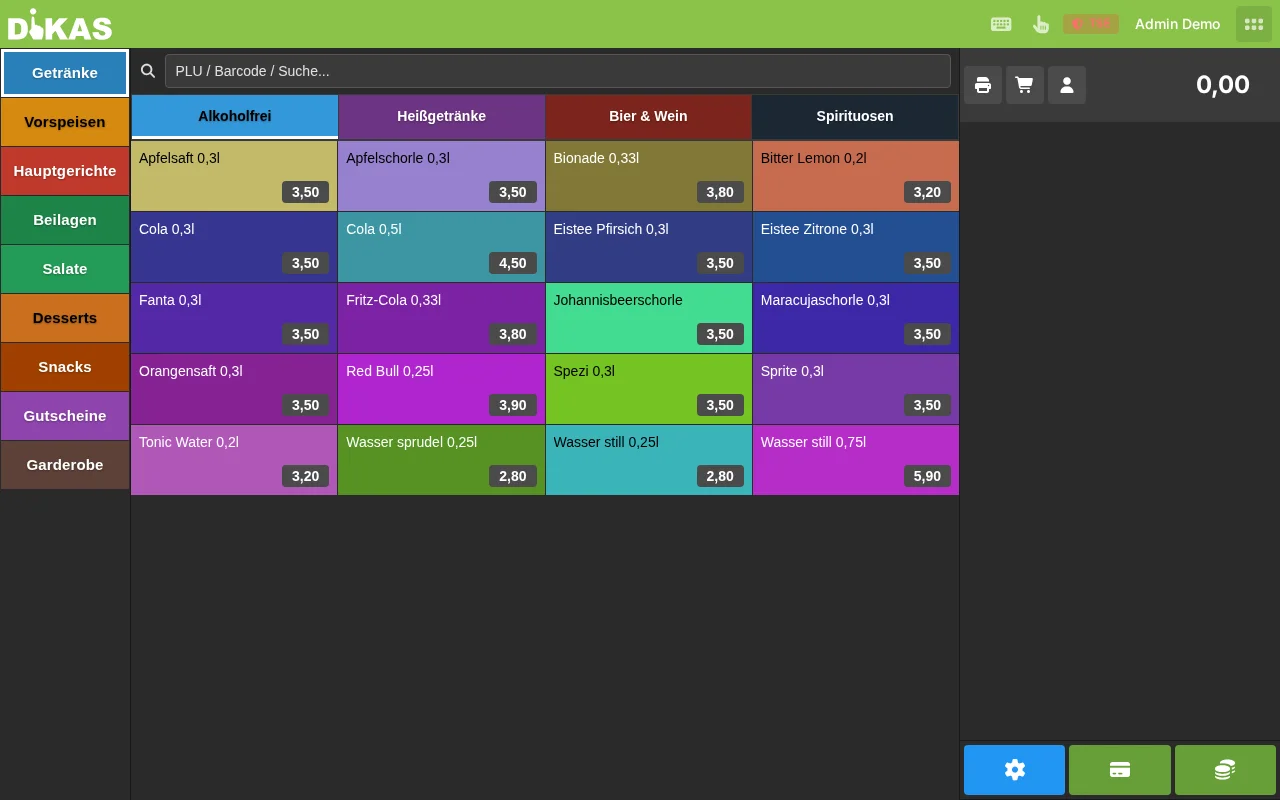
Left: Article groups as tabs, below them the articles of the selected group as tiles Right: The current receipt with order items
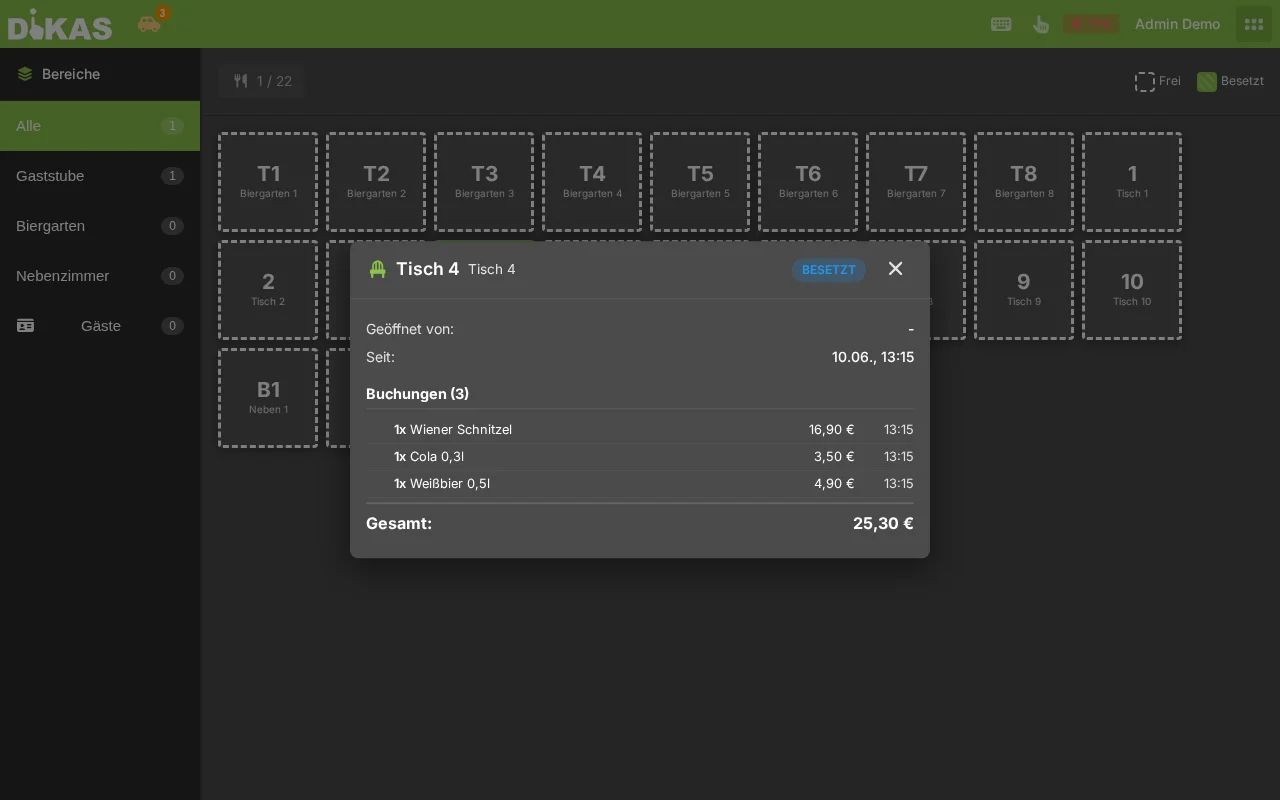
In table service mode, the table overview is displayed first — after tapping a table, the article view opens: