Vouchers
Vouchers are an important tool for customer retention, gifts, and marketing. DiKAS supports two types of vouchers with different tax treatment.
🎫 Two Types of Vouchers
| Property | Value Voucher | Single-Purpose Voucher |
|---|---|---|
| Example | "Gift voucher 50 EUR" | "Brunch for 2 persons" |
| Value | Fixed euro amount | Specific article / service |
| VAT on sale | 0% (tax class 99) | Standard VAT (19% or 7%) |
| VAT on redemption | Standard VAT on purchased articles | 0% (already taxed at sale) |
| Partial redemption | Yes — remaining balance is preserved | No — redeemed in full |
| Tax logic | Prepayment → Revenue only upon redemption | Revenue immediately upon sale |
Why the Difference?
- Value voucher: At the time of sale, it is not yet known which articles the recipient will purchase. Therefore, no VAT is charged — this is a prepayment (liability) for tax purposes. VAT is only applied upon redemption on the articles actually purchased.
- Single-purpose voucher: At the time of sale, the specific service is known (e.g., "1× Brunch"). Therefore, VAT is charged immediately. No additional VAT is applied upon redemption.
Selling a Voucher
Selling a Value Voucher
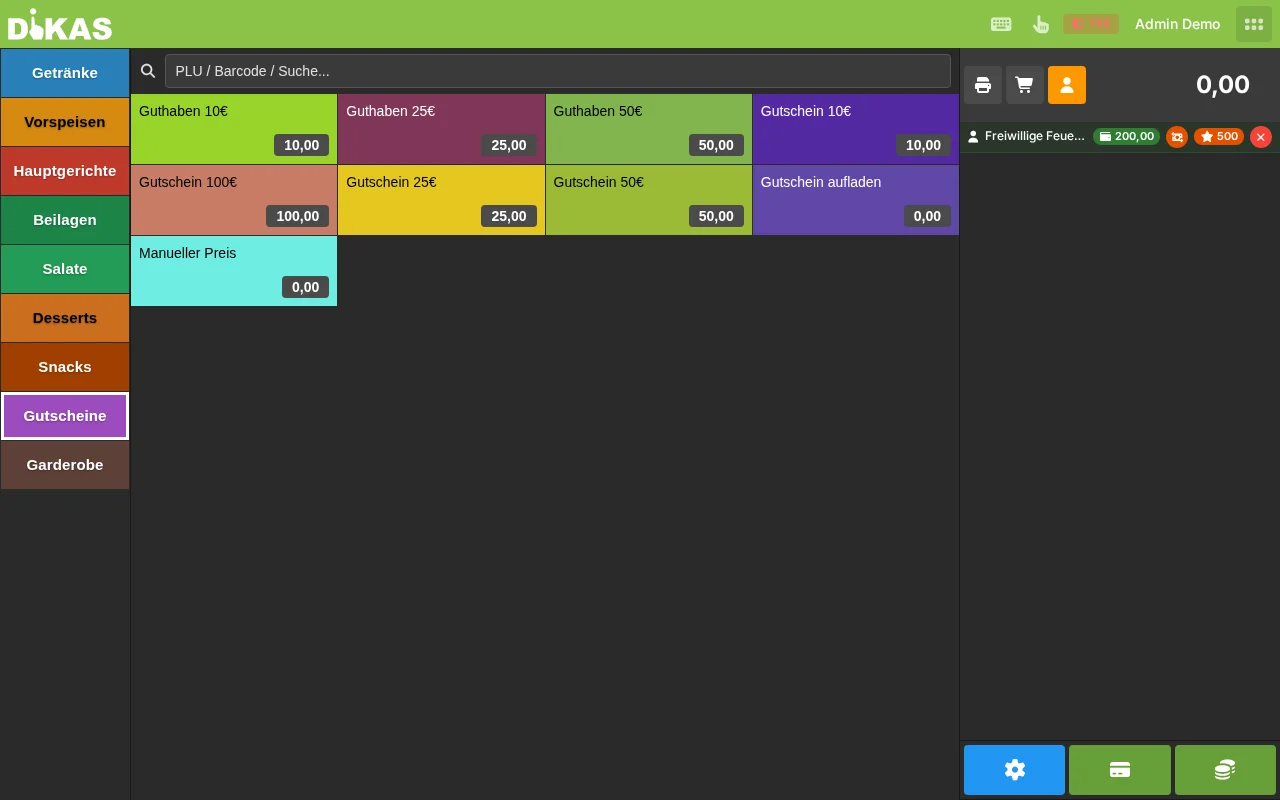
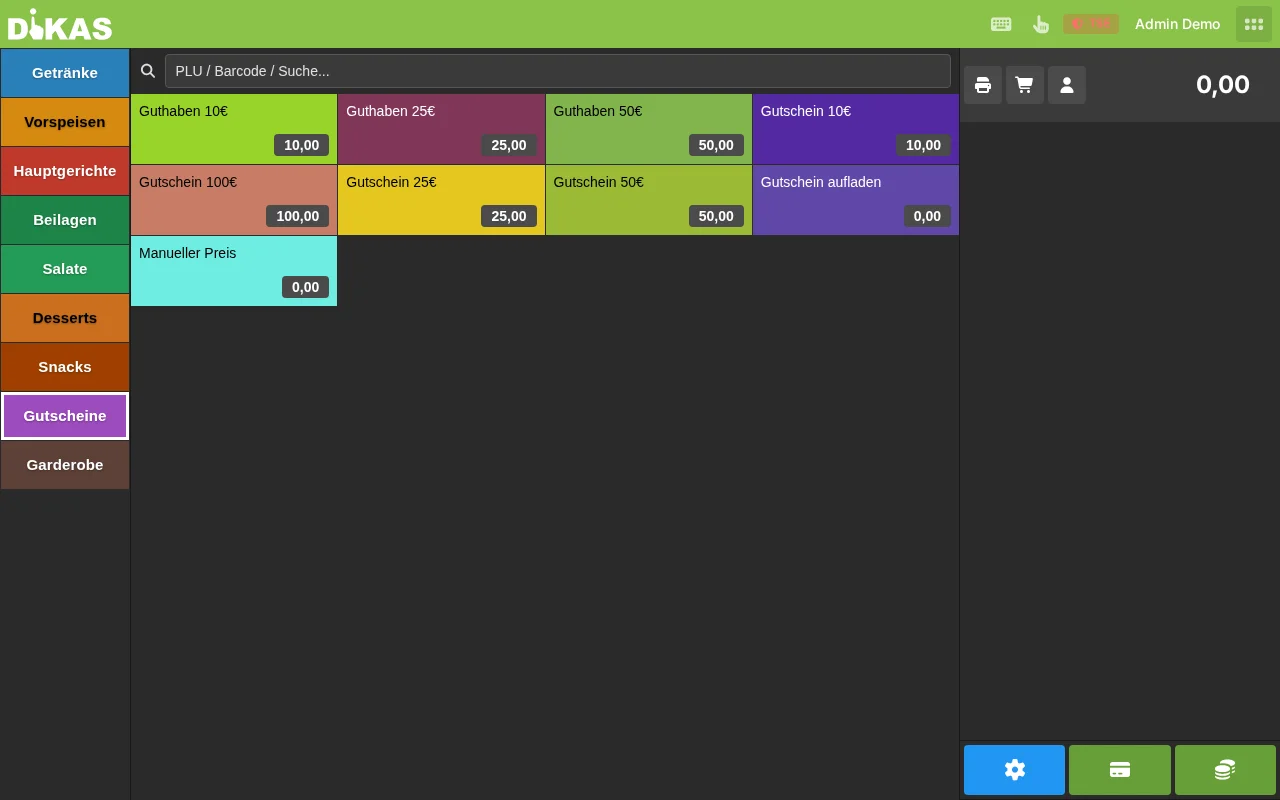
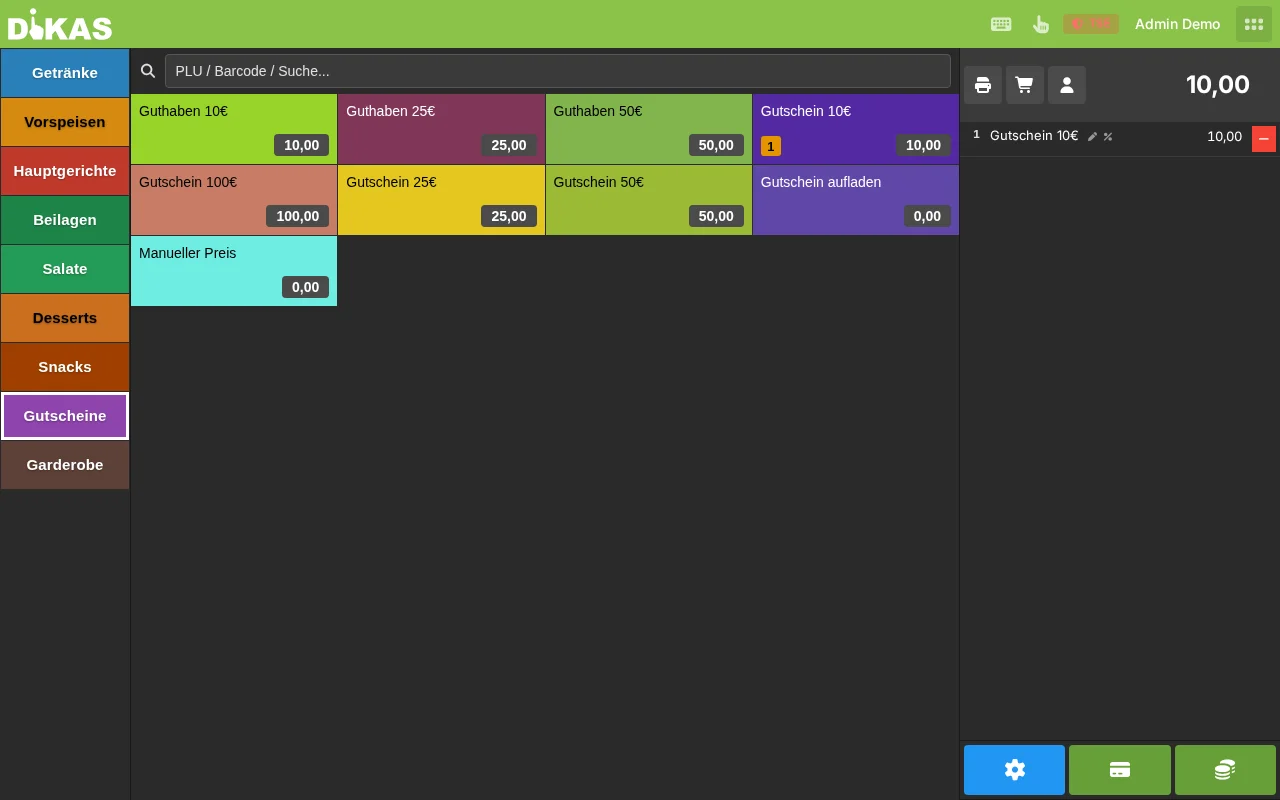
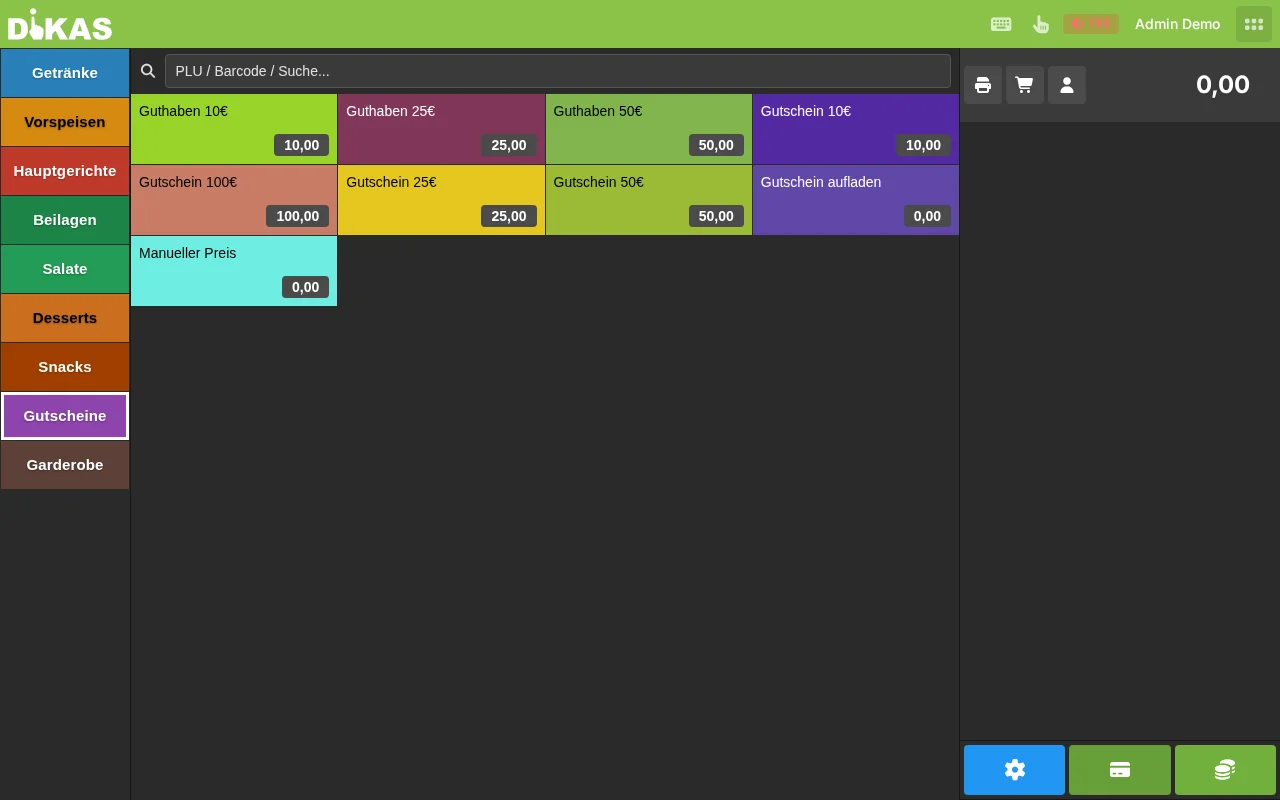
- At the POS: Open the article group "Vouchers" and select the voucher article (or search for it)
- Enter amount (e.g., 50.00 EUR)
- Pay → Select payment method (cash or card)
- DiKAS automatically creates a unique voucher number (default: 6-digit number; format — numeric or alphanumeric — and length 4–16 are configurable in settings)
- In addition to the receipt, a separate voucher receipt with number, value and validity is printed (optionally with barcode)
Receipt output:
══════════════════════════════════
     VOUCHER
──────────────────────────────────
  Voucher no.: 100437
  Value:       50.00 EUR
  Valid until: 12.03.2029
══════════════════════════════════
On the receipt: The voucher appears with 0% VAT (tax class 99).
Selling a Single-Purpose Voucher
- Create a special voucher article (e.g., "Brunch for 2 persons", price 49.00 EUR, with voucher flag)
- Sell it like a regular article
- VAT is charged immediately upon sale (e.g., 19% on 49.00 EUR)
- A voucher code is generated and printed on the receipt
Multiple Vouchers at Once
You can sell multiple vouchers in a single transaction:
- 3× Voucher at 25.00 EUR → DiKAS creates 3 separate voucher codes
- Each code has its own remaining balance
Topping Up a Voucher at the POS
An existing value voucher can be topped up at the POS — the remaining value increases by the paid amount.
- At the POS, select the system article "Top up voucher"
- An input form opens: enter the voucher number (or scan it) and the top-up amount — DiKAS immediately checks whether the voucher exists
- "Add" → the top-up appears as a line item on the receipt (with the voucher number as a note)
- Pay → select payment method (cash or card)
- The paid amount is credited to the voucher. An already closed voucher (balance was 0) is automatically reopened
Redeeming a Voucher
Redemption as Payment Instrument (Value Voucher)
- Select articles as usual
- Tap "Pay"
- In the field "Voucher no…" at the top of the payment dialog, enter the number or scan it via scanner → tap the magnifying glass
- DiKAS checks the voucher:
| Check | Error message | Timing |
|---|---|---|
| Number exists? | "Voucher not found" | immediately on adding |
| Not blocked/used up? | "Voucher is closed" | immediately on adding |
| Remaining balance > 0? | "Voucher has no balance" | immediately on adding |
| Validity date not exceeded? | "Voucher has expired" | only when confirming payment |
- The voucher amount is deducted from the total (up to the open amount)
⚠️ An expired voucher can initially still be added — the expiry check only runs when confirming the final payment. Check the validity date in voucher management beforehand.
Partial Redemption
If the voucher is worth more than the purchase, the remaining balance is preserved:
Purchase:         35.00 EUR
Voucher GS-A7B3-K9M2:
  Previous value: 50.00 EUR
  Redeemed:      -35.00 EUR
  Remaining:      15.00 EUR
The guest can use the voucher again on their next visit. Each redemption is logged with date, amount, and receipt number.
Voucher Insufficient
If the voucher is worth less than the purchase:
- Redeem voucher → Voucher is set to 0.00 EUR and closed
- Pay the remaining amount with another payment method (cash, card, another voucher)
Redemption as Discount Line (Single-Purpose Voucher)
For single-purpose vouchers, redemption works differently:
- The voucher is not processed as a payment instrument
- Instead, a negative receipt item with 0% VAT appears
- The VAT on the receipt is correctly reduced accordingly
ℹ️ Note: The VAT was already calculated when the single-purpose voucher was sold. It must not be charged again upon redemption.
Voucher Management
In Admin
Under Admin → Vouchers you can see:
| Column | Description |
|---|---|
| Code | Voucher serial number |
| Name | Designation (e.g., "Gift voucher") |
| Original value | Amount at time of sale |
| Remaining value | Currently available balance |
| Valid until | Expiration date |
| Status | Active / Redeemed / Expired |
Actions
| Action | Description |
|---|---|
| Details (eye icon) | Opens a panel with remaining value, original value, tax class, validity and the complete redemption history — incl. top-up and "Change validity" (new expiry date or "Unlimited") |
| Close | Manually block a voucher (e.g., if lost) — individually or via multi-selection |
| CSV Export | Download the voucher list (with numbers) as CSV |
Creating Vouchers in Advance (Batch)
Via the "Create" tab you can create up to 500 vouchers at once — with the same amount, tax class, optional name and validity. The generated numbers can be exported directly as CSV (e.g., for printing on cards). No payment is needed — ideal for marketing campaigns or corporate customers.
📊 Vouchers in the End-of-Day Report
Vouchers are shown separately in the Z-report:
| Item | Description |
|---|---|
| Vouchers sold (count) | How many vouchers were sold today |
| Vouchers sold (amount) | Total value of vouchers sold |
| Vouchers redeemed (count) | How many vouchers were redeemed today |
| Vouchers redeemed (amount) | Total value of redeemed vouchers |
| Outstanding voucher balance | Unredeemed balance across all active vouchers |
Practical Examples
Christmas Vouchers
Situation: Restaurant "Zum Goldenen Hirsch" sells gift vouchers in December.
- Sale (December):
- Customer buys a voucher for 100.00 EUR
- Receipt: 100.00 EUR with 0% VAT (tax class 99)
-
Receipt with voucher code is printed
-
Redemption (February):
- Recipient arrives with voucher
- Orders: Steak (24.90 EUR, 19%) + Salad (8.90 EUR, 19%) + Beverage (4.50 EUR, 19%) = 38.30 EUR
- Pays with voucher code → 38.30 EUR is deducted
- Remaining balance: 61.70 EUR
-
VAT is calculated on the ordered articles (19% on 38.30 EUR)
-
Second visit (April):
- Orders for 61.70 EUR → Voucher is used up
- Voucher is automatically closed
Corporate Vouchers for Employees
Situation: A company buys 50 vouchers at 25 EUR each for employee events.
- In direct sale: 50× Voucher at 25.00 EUR = 1,250.00 EUR
- DiKAS creates 50 separate voucher codes
- Each code can be redeemed independently
- The company receives a receipt for 1,250.00 EUR (0% VAT)
Brunch Voucher (Single-Purpose Voucher)
Situation: A café sells "Brunch voucher for 2 persons" (49.00 EUR).
- Sale: Voucher article "Brunch for 2" → 49.00 EUR with 19% VAT
- Redemption: Recipient arrives for brunch
- Enter voucher code → Voucher is booked as a -49.00 EUR discount item
- VAT: 0% on the discount line (already taxed at sale)
- If the brunch costs more than 49 EUR: Pay the difference in cash
Voucher as a Marketing Tool
Idea: 10 EUR voucher as a welcome gift for new customers
- Create vouchers in advance in Admin (without a sale)
- Print codes on flyers/business cards
- New customers redeem the voucher on their first visit
- Tracking: Via the redemption history, you can see which marketing campaign brought in how many new customers
Frequently Asked Questions
Can a voucher be cashed out? No. Vouchers can only be consumed through redemption, not cashed out.
What happens with expired vouchers? Expired vouchers can no longer be redeemed. The remaining balance is forfeited. (Note: Observe legal regulations regarding validity — in Germany, vouchers are valid for at least 3 years.)
Can a voucher's validity be extended? Yes. In voucher management (Admin) in the detail panel under "Change validity" set a new expiry date — or remove the expiry date entirely via "Unlimited".
Can a voucher be topped up again? Yes. Via the system article "Top up voucher" an existing value voucher can be topped up at the POS — even an already closed voucher is reopened in the process. See Topping Up a Voucher at the POS.
Can a voucher be combined with customer credit? Yes. You can combine voucher + customer credit + cash/card in a single transaction.
Next Step
→ Customer Credit — Prepaid accounts for regular customers